Disclosure: As an Amazon Associate, we earn from qualifying purchases. This helps support our work at no extra cost to you.
The answer depends on what you need from a printer. In this guide we look at what the Canon TS4320 offers, who it suits, and how to get the most from it.
Canon PIXMA TS4320 — Wireless Color Inkjet All-in-One Printer
Check the current price and full details on Amazon.
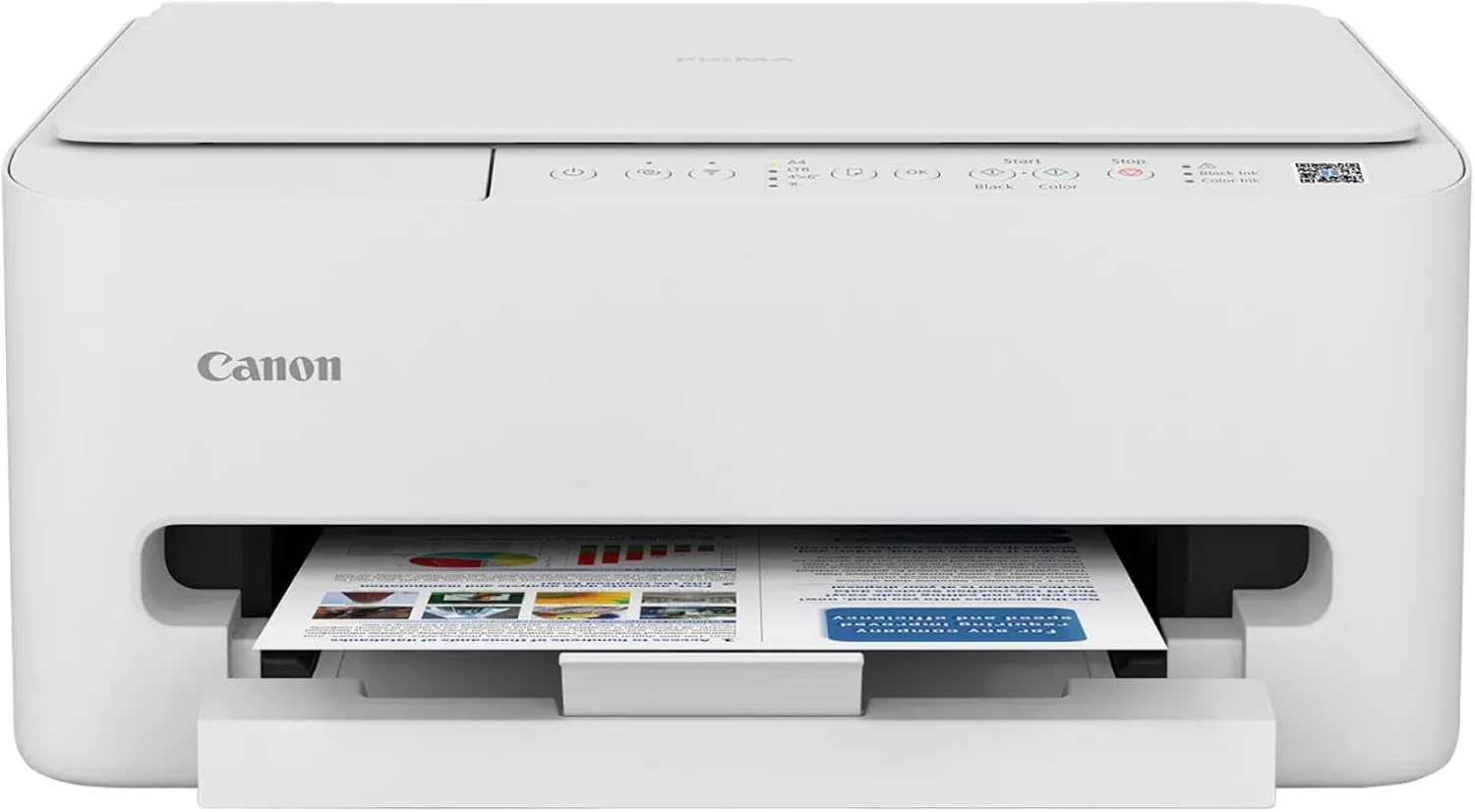
A Quick Look at the Canon PIXMA TS4320
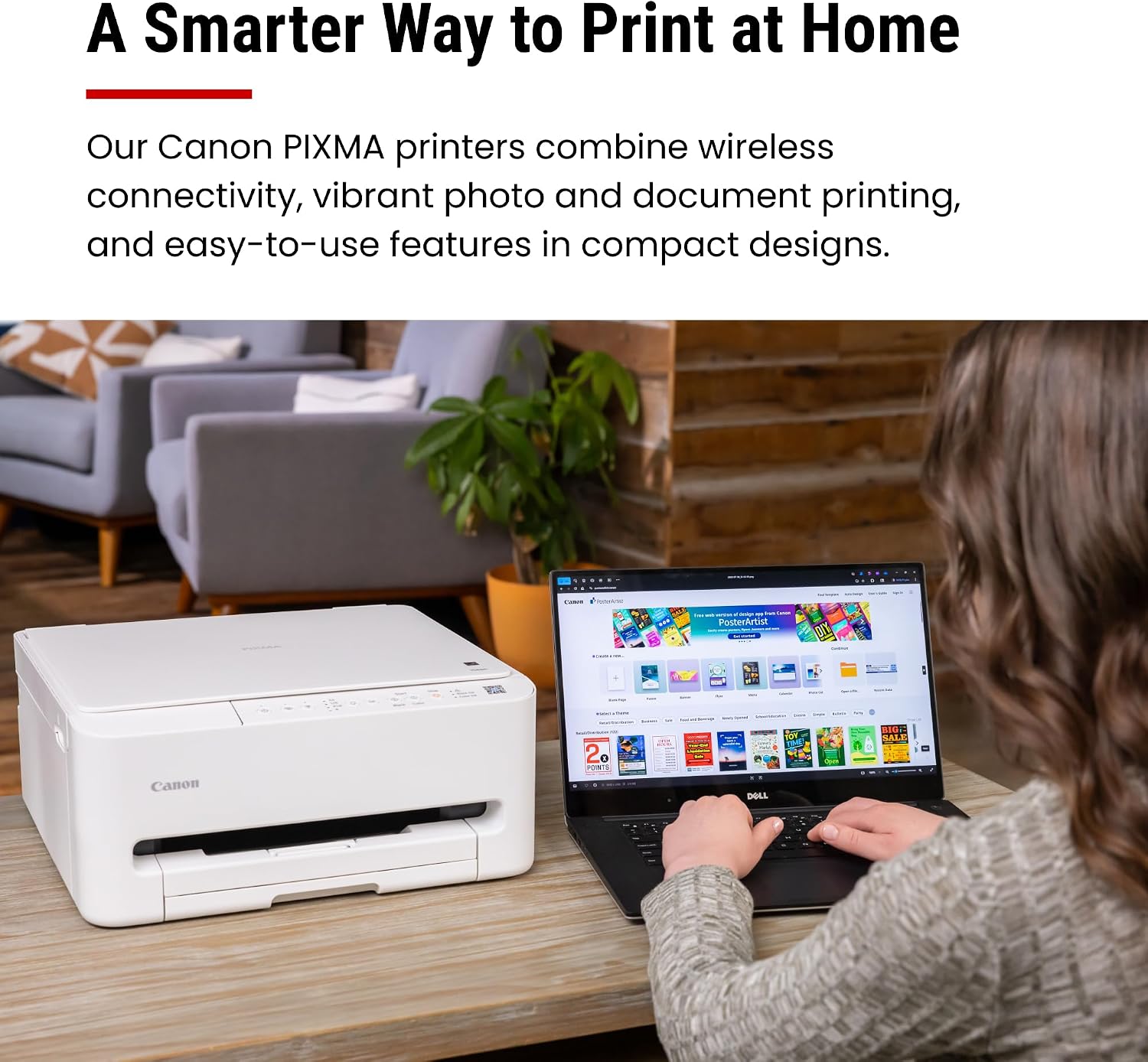
The Canon PIXMA TS4320 is a budget-friendly wireless colour inkjet all-in-one that prints, copies and scans. It is designed for home users and hybrid workers who want dependable versatility without paying for features they will never use.
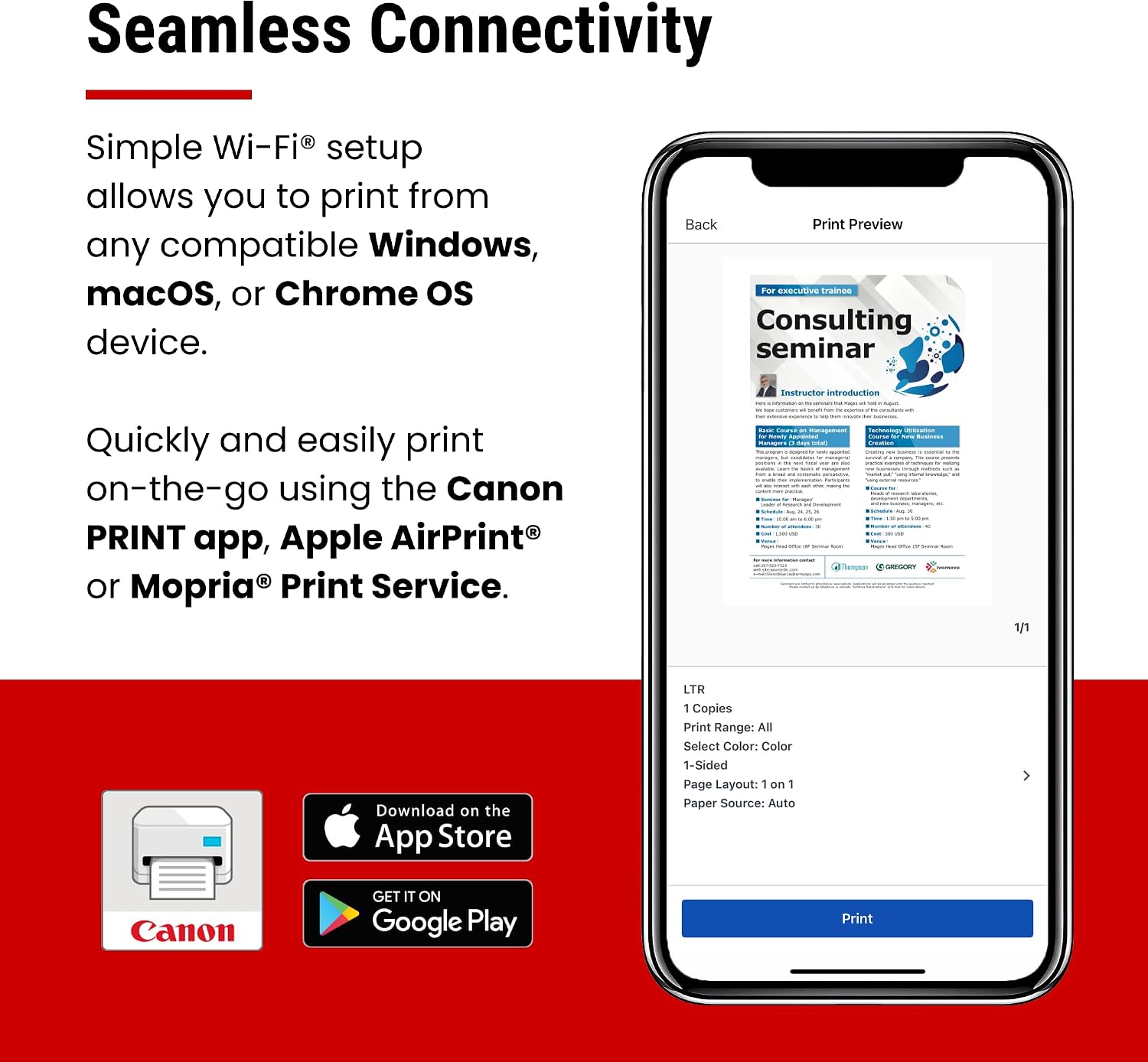
A 2-cartridge hybrid ink system delivers sharp black text and vivid colour photos, while dual-band Wi-Fi and the Canon PRINT app make printing from a phone or computer straightforward. Automatic two-sided printing helps save time and paper.
Key Specifications at a Glance
| Model | Canon PIXMA TS4320 |
| Type | Wireless color inkjet all-in-one printer (print, copy, scan) |
| Ink system | 2-cartridge hybrid ink system for sharp text and vivid colours |
| Connectivity | Dual-band Wi-Fi (2.4GHz / 5GHz) |
| Mobile printing | Canon PRINT app, Apple AirPrint, Mopria Print Service |
| Computer printing | Windows, macOS, ChromeOS |
| Two-sided printing | Automatic 2-sided (duplex) printing |
| Scanner | Integrated flatbed scanner for scanning and copying |
| Media sizes | Up to 8.5″ x 11″ (Letter), bordered or borderless |
| Dimensions | Approx. 14″ W x 14.8″ D x 6.7″ H |
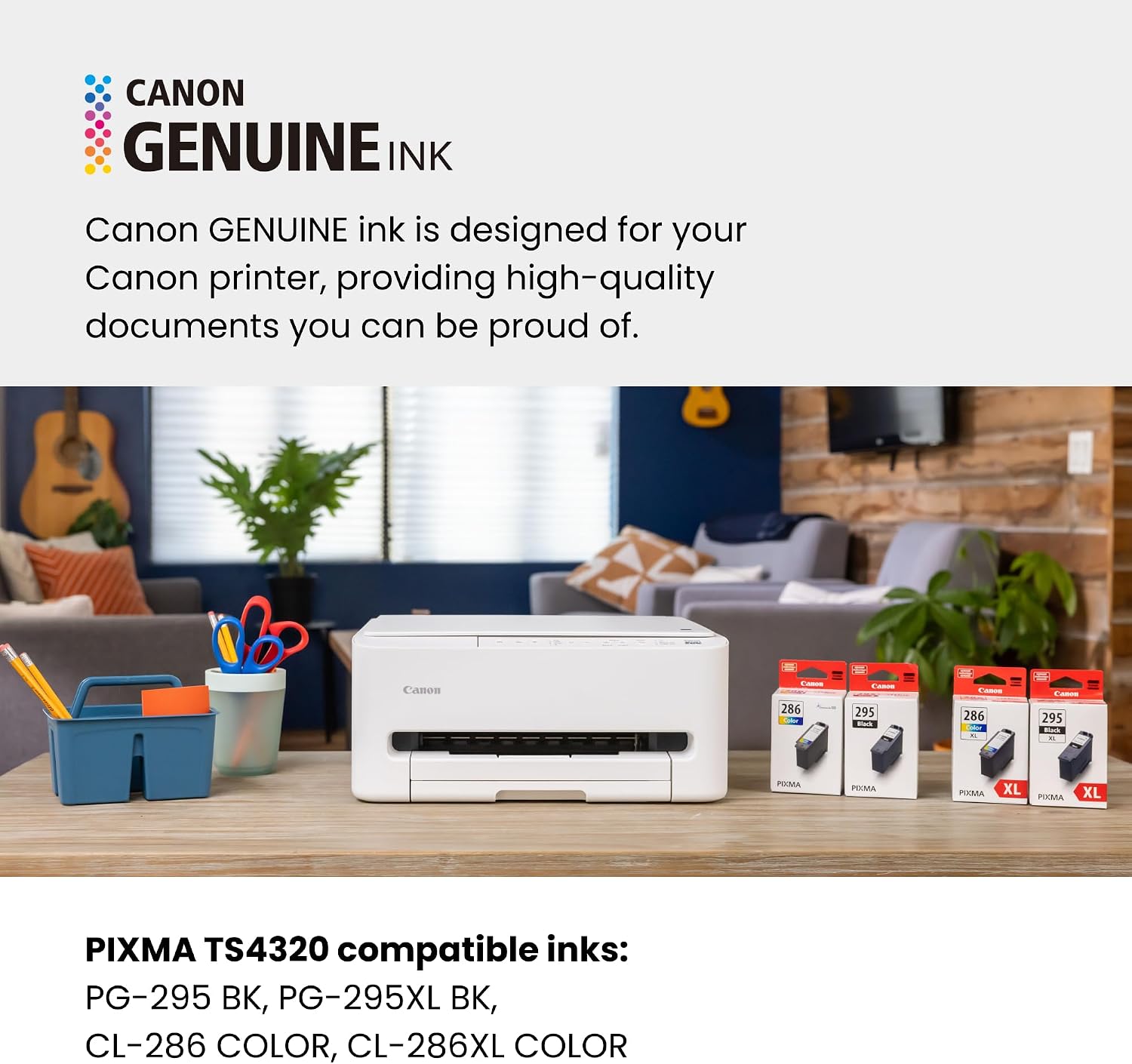
| Ink cartridges | PG-295 BK, PG-295XL BK, CL-286 COLOR, CL-286XL COLOR |
| Print Plan | PIXMA Print Plan — save up to 70% on ink with Moderate and Frequent plans |
| In the box | PIXMA TS4320 printer, power cord, 1 colour and 1 black print head, user guide |
| Best for | Home users and hybrid workers seeking affordable, compact versatility |
Who It Suits
It suits home users, students, families and hybrid workers who need printing, scanning and copying without a large footprint or a large budget. It is especially appealing to people who print from phones and want simple wireless setup.
It is less suited to high-volume offices or anyone who needs heavy-duty features such as an automatic document feeder. Being honest about those limits helps you decide.
For the right user, it delivers a practical and affordable all-in-one experience.
Pros and Cons at a Glance
Cons: it has no automatic document feeder for multi-page scanning, ink remains an ongoing cost, and it is built for moderate rather than heavy-duty printing.
Pros: affordable all-in-one versatility, sharp two-cartridge print quality, dual-band Wi-Fi, mobile printing through Canon PRINT/AirPrint/Mopria, automatic two-sided printing and a compact design.
Is the TS4320 Good Value?
When comparing printers, look beyond the purchase price to the cost of replacement cartridges. Choosing XL cartridges where appropriate and using the subscription can make a real difference over a year.
The TS4320 is positioned as an affordable all-in-one, and its value comes from combining print, scan, copy, wireless and duplex features in one compact machine. The optional Print Plan can reduce the biggest long-term expense — ink.
Canon PIXMA TS4320 — Wireless Color Inkjet All-in-One Printer
Check the current price and full details on Amazon.
How Good Are TS4320 Prints?
Whether you are printing a text-heavy report, a school project or a family photo, the printer balances sharpness and colour well. Borderless printing up to 8.5 by 11 inches lets you produce full-bleed photos and flyers without white margins.
The TS4320 uses a 2-cartridge hybrid ink system: a pigment-based black cartridge for crisp, durable text and a dye-based colour cartridge for smooth, vibrant photos and graphics. That combination produces documents that look professional and images with rich, natural colour.

What We Like and What to Consider
Pros: affordable all-in-one versatility, sharp two-cartridge print quality, dual-band Wi-Fi, mobile printing through Canon PRINT/AirPrint/Mopria, automatic two-sided printing and a compact design.
Cons: it has no automatic document feeder for multi-page scanning, ink remains an ongoing cost, and it is built for moderate rather than heavy-duty printing.
For home and hybrid use, the strengths clearly outweigh the limitations for most buyers.
Frequently Asked Questions
Where should I buy it?
Amazon offers competitive pricing and buyer protection. Check the current price using the link in this article.
Is setup difficult?
No. Setup is designed to be quick, with guidance through the Canon PRINT app or a computer.
Which ink cartridges does it use?
PG-295 BK, PG-295XL BK, CL-286 COLOR and CL-286XL COLOR.
Is it suitable for home offices?
Yes. It covers everyday printing, scanning and copying for home users and hybrid workers.
Final Verdict
For home users it is easy to recommend. If you want an affordable, compact all-in-one printer for home or hybrid work, the Canon TS4320 is well worth considering. Check the current price below.
Canon PIXMA TS4320 — Wireless Color Inkjet All-in-One Printer
Check the current price and full details on Amazon.
Views: 0